How to Remove Sticker Residue from Your Laptop

Stickers can leave behind a sticky, annoying residue that attracts dust and looks unsightly. If you’re trying to clean your laptop without damaging it, here’s a safe and effective way to remove sticker residue—whether it’s from the lid, keyboard, or screen. Safe Methods to Remove Sticker Residue 1. Use Rubbing Alcohol (Isopropyl Alcohol) Dampen a […]
How to Fix Screen Bleeding on a Laptop

If you notice uneven backlight glow, especially in dark areas of your laptop screen, you might be dealing with screen bleeding. This is a common issue with LCD displays, where light leaks around the edges or corners. While it can’t always be fully eliminated, here are some ways to reduce its visibility—and when to consider professional […]
Why Does My Laptop Keep Restarting to BitLocker Recovery? (Fixes & Solutions)

If your laptop keeps booting into BitLocker Recovery Mode and asking for a recovery key, it usually means Windows detects a security risk or hardware change that triggers BitLocker’s protection. At Mesa Geeks, we frequently help customers resolve BitLocker issues—here’s what you need to know. Common Reasons for BitLocker Recovery Loop Hardware Changes Upgrading RAM, SSD, […]
Acer Laptop Won’t Turn on Blue Light – Fixes & Solutions

If your Acer laptop won’t turn on but has a blue light, it could indicate a power issue, hardware failure, or a software glitch. At Mesa Geeks, we’ve handled many such cases, and in this guide, we’ll walk you through troubleshooting steps to get your laptop working again. Possible Causes of Acer Laptop Not Turning On (Blue […]
How to Optimize Your Gaming Laptop for VR Gaming

Virtual Reality (VR) gaming offers an immersive experience, but it demands high performance from your gaming laptop. If your system isn’t optimized, you may face lag, stuttering, or even crashes. At Mesa Geeks, we specialize in computer repair and performance tuning, so we’ve put together this guide to help you optimize your gaming laptop for […]
Automatic Repair Couldn’t Repair Your PC – How to Fix It
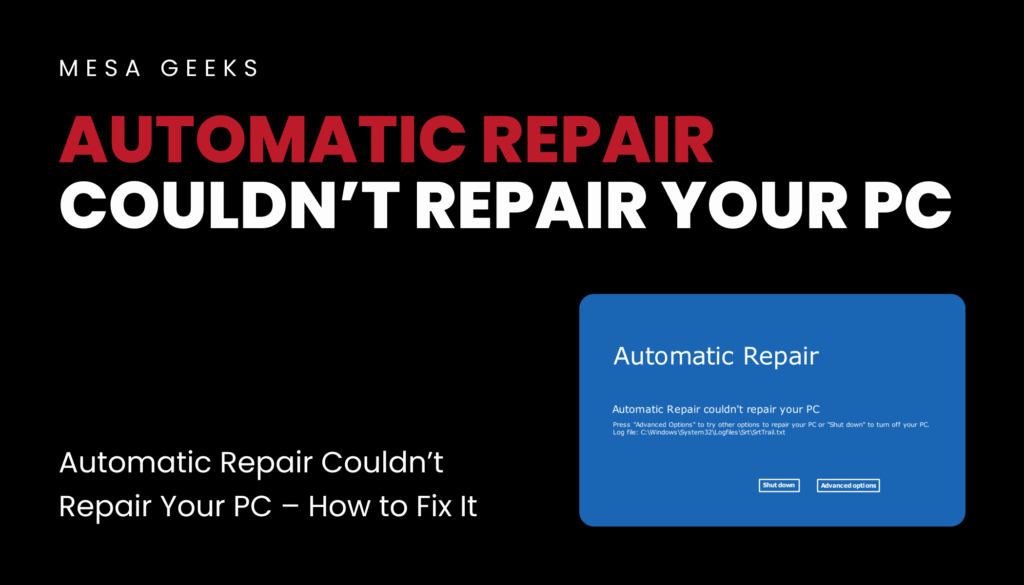
Fixing ‘Automatic Repair couldn’t repair your PC’ error? Learn step-by-step solutions like Startup Repair, Command Prompt fixes (Bootrec, CHKDSK), System Restore & reinstalling Windows. Get your PC running again!
How to Open a MacBook & Clean the Fans

Dust buildup in your MacBook’s cooling system can cause overheating, loud fan noise, and performance throttling. Cleaning the fans regularly can help maintain optimal performance. Below is a step-by-step guide for safely opening your MacBook and cleaning the fans. Safety Precautions Power Off & Unplug – Shut down your MacBook and disconnect all cables. Ground Yourself – […]
Crowd Strike Error Fix
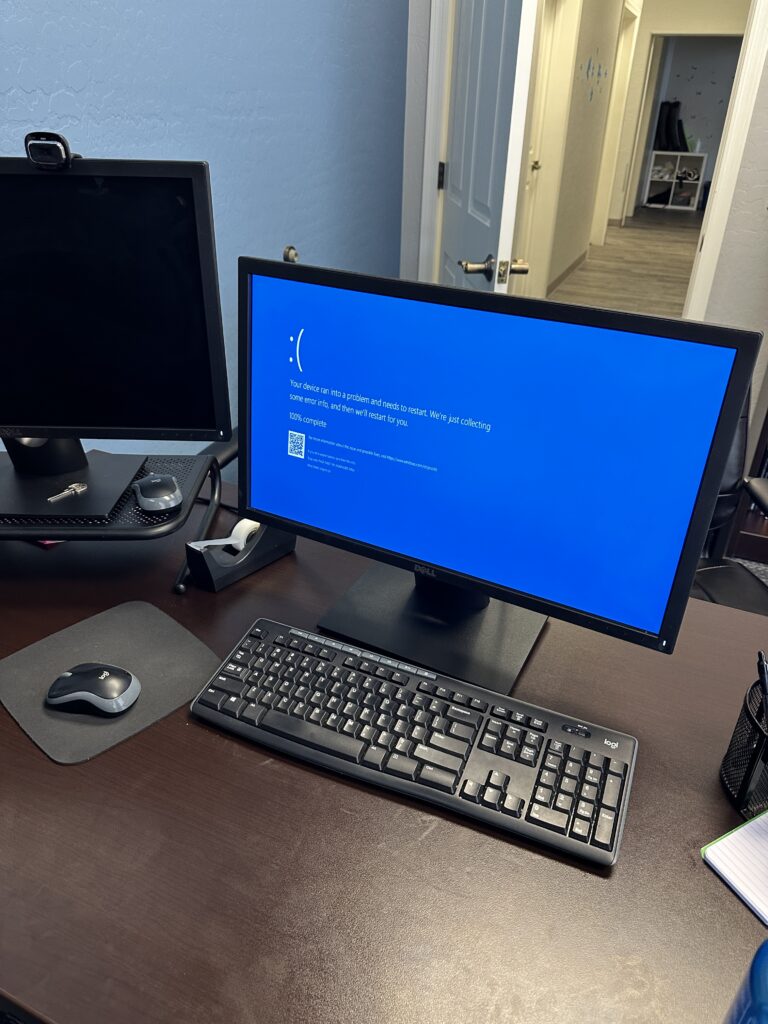
CrowdStrike Error July 19, 2024