
Crowd Strike Error Fix


Of course. An orange (or reddish/yellowish) spot on a MacBook screen is a common issue and is almost always caused by one of two things: pressure damage or a failing anti-reflective coating. Here’s a breakdown of how to diagnose the cause and what your options are for fixing it. 1. Diagnose the Cause First,…

Dust buildup in your MacBook’s cooling system can cause overheating, loud fan noise, and performance throttling. Cleaning the fans regularly can help maintain optimal performance. Below is a step-by-step guide for safely opening your MacBook and cleaning the fans. Safety Precautions Power Off & Unplug – Shut down your MacBook and disconnect all cables. Ground Yourself –…
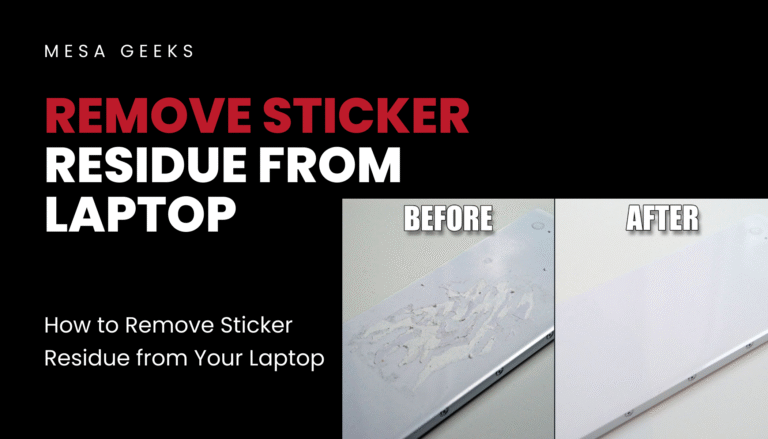
Stickers can leave behind a sticky, annoying residue that attracts dust and looks unsightly. If you’re trying to clean your laptop without damaging it, here’s a safe and effective way to remove sticker residue—whether it’s from the lid, keyboard, or screen. Safe Methods to Remove Sticker Residue 1. Use Rubbing Alcohol (Isopropyl Alcohol) Dampen a…
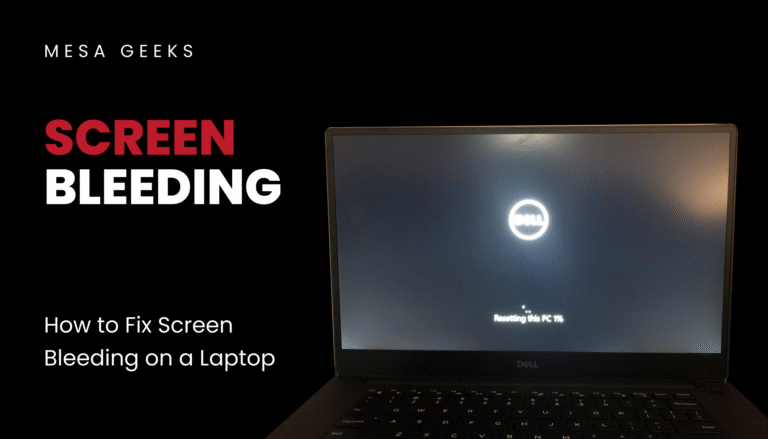
If you notice uneven backlight glow, especially in dark areas of your laptop screen, you might be dealing with screen bleeding. This is a common issue with LCD displays, where light leaks around the edges or corners. While it can’t always be fully eliminated, here are some ways to reduce its visibility—and when to consider professional…